Two bands.
One purpose.
Choose the crossover, then give the low and high ranges their own gain staging before returning them to one output.

 WEIRD CATCHES
Tight Lines / v0.9.1 / Free dual-band dynamics
Tight Lines splits the low and high end so each can move on its own terms, then returns them to one coherent signal. Go down or up, compress or expand, choose direct or Fishy feedback mode, and finish the wet path with optional soft clipping—all in an efficient, low-CPU processor.
macOS · Windows · Linux
VST3 · AU · CLAP · Standalone
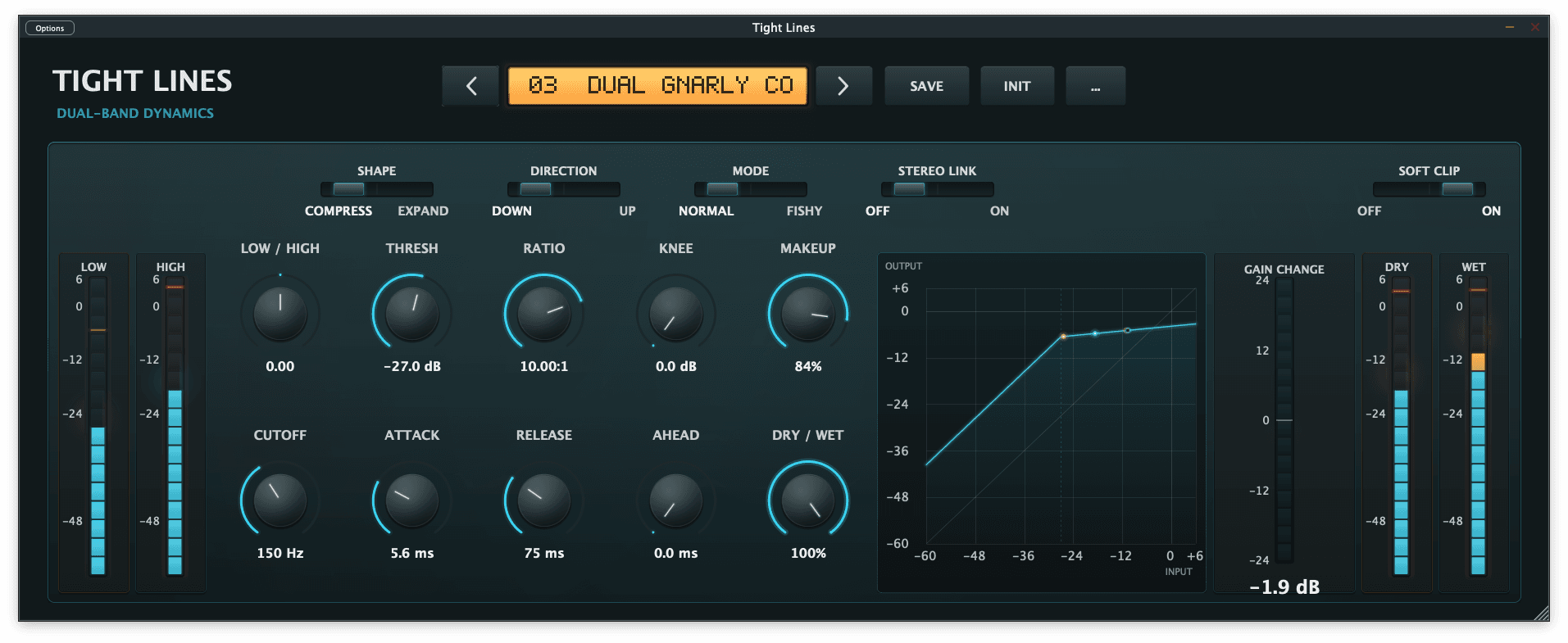
Choose the crossover, then give the low and high ranges their own gain staging before returning them to one output.
Compression and expansion share a clear transfer view, adjustable knee, attack, release and look-ahead.
An optimised signal path keeps the split, dynamics and clipping light enough to leave on without a second thought.